Docs · 🔗 Channels
Connecting channels
Every channel in one inbox, answered by the same assistant.
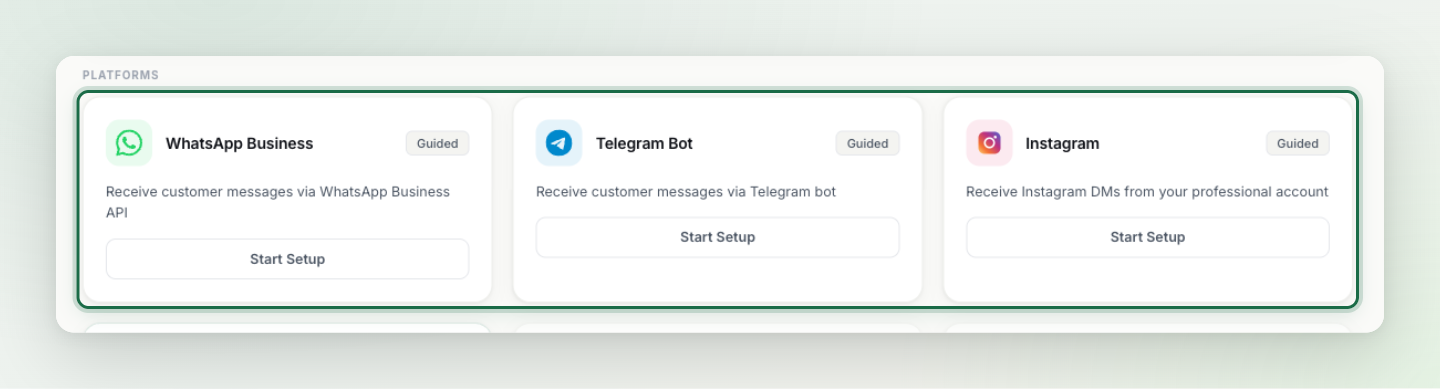
Pommy is more than the site widget: your customers can also write via WhatsApp, Telegram, Instagram or email. Whatever the channel, conversations land in the same inbox and are answered by the same assistant with the same knowledge base.
How to connect#
Open Integrations in the left menu and click the channel's card — a guided setup walks you through it. The two most popular channels have their own step-by-step pages in this guide: WhatsApp setup and Telegram setup (next pages). When you finish any setup, send yourself a test message and confirm it appears in the Agent console.
How channels behave#
- One source of truth — every knowledge-base update applies to all channels at once; you never manage content per channel.
- Handover works everywhere — a customer writing from Telegram is transferred to your team the same way; your reply reaches them on their channel.
- Booking works everywhere — with the appointment setup complete, customers can book from WhatsApp too.
Tip: Connect the channels your customers actually use; every extra channel is one more surface for the team to watch.