Support cases
Turning a conversation into tracked, assignable work.
Some requests can't be finished inside a chat — a refund that needs accounting, a technical issue for another department. For those, turn the conversation into a support case: a tracked work item with a number, a status and a priority.
Creating a case#
Cases are created from conversations: open the conversation in the Agent console and choose Convert to Support Case from its menu. Give it a title, a priority and a description — the conversation stays linked, so the full context travels with the case.
Statuses and priorities#
| Field | Values |
|---|---|
| Status | Open → In Progress → Waiting → Resolved → Closed. Update it from the case's detail panel as work moves along. |
| Priority | Low, Medium, High, Urgent — so the list sorts itself by what matters. |
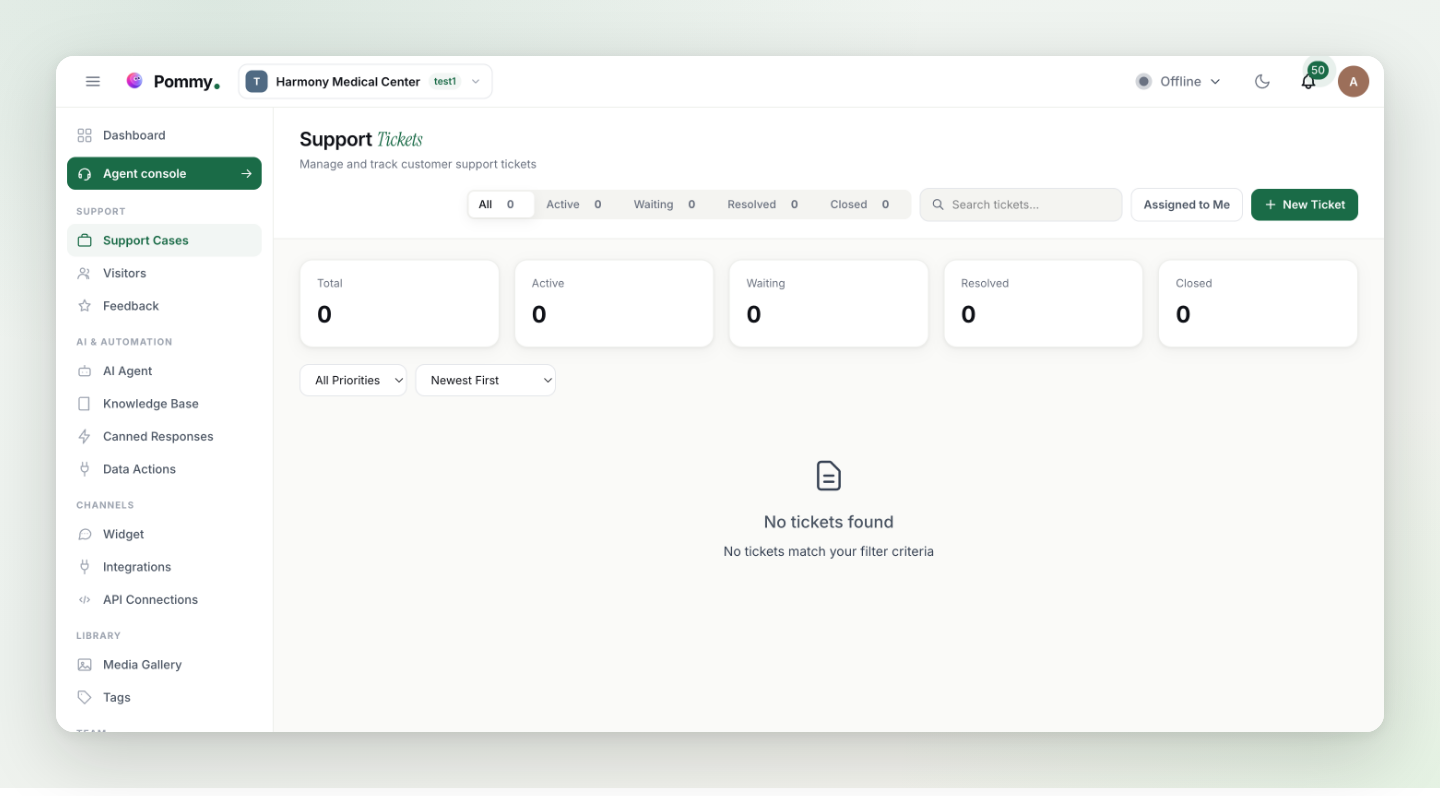
The Support Cases page in the dashboard lists every case with search and status filters, the case number, creation date and — once resolved — the resolution date.
Tip: A good habit: anything you promise the customer in chat ("we'll get back to you") becomes a case. If it isn't tracked, it's forgotten.